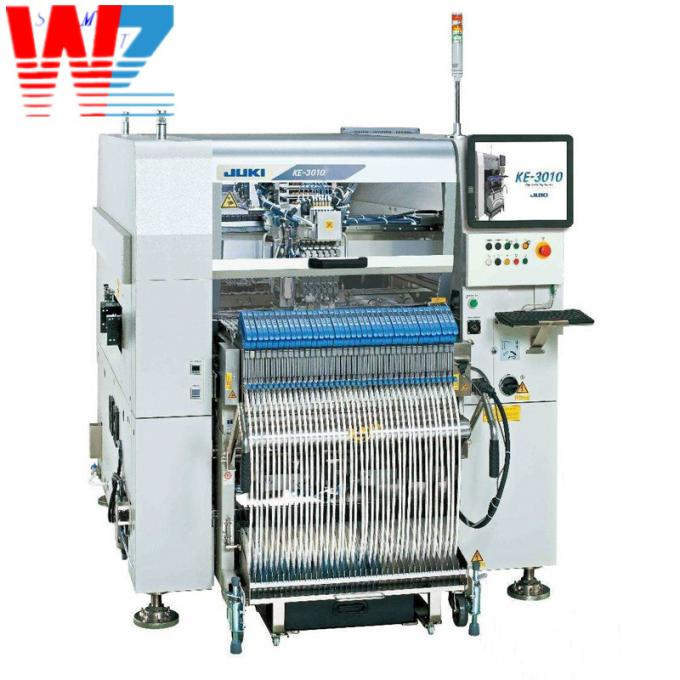
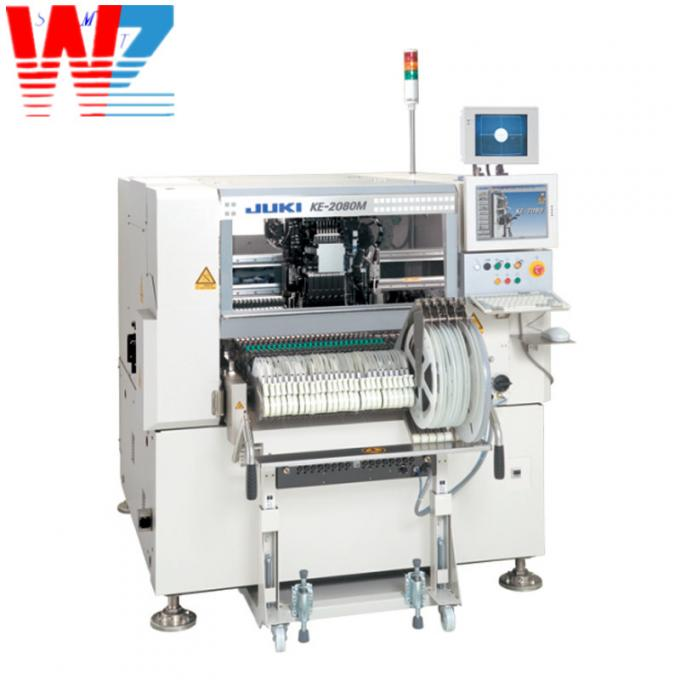
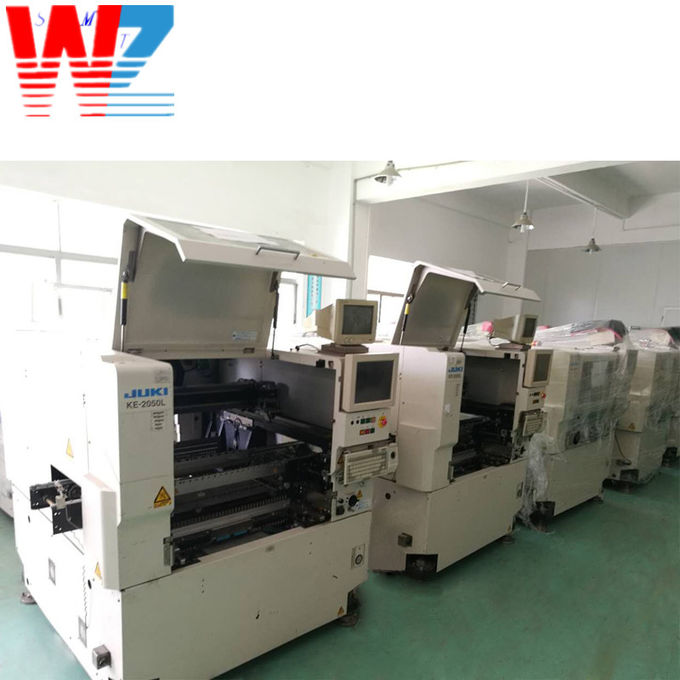
JUKI FX-3RAL JUKI FX-100 JUKI FX-300 Pick and Place Machine
Sure! Let me introduce you to the JUKI FX-300 surface mount machine and provide instructions on how to use it.
The JUKI FX-300 is an advanced surface mount machine designed for efficient and precise placement of electronic components onto printed circuit boards (PCBs). It is widely utilized in the electronics manufacturing industry.
- High-Speed Placement: The machine offers high-speed and accurate component placement, enabling fast production cycles.
- Multiple Component Types: It is capable of handling various types of components, including resistors, capacitors, integrated circuits, connectors, and more.
- Compact Design: The machine has a compact footprint, optimizing space utilization in the manufacturing facility.
- Vision System: The FX-300 is equipped with an advanced vision system for precise component alignment and detection.
- User-Friendly Interface: It features an intuitive and user-friendly interface, making it easy to operate and set up for different production requirements.
- High Flexibility: The machine supports a wide range of PCB sizes and shapes, ensuring versatility in manufacturing applications.
- Reliable Performance: It is designed to deliver consistent and reliable performance, reducing the chance of errors and improving overall production quality.
- Prepare the PCB and components: Ensure that the PCB is clean and properly prepared. Sort and organize the components to be placed using suitable containers.
- Machine Setup: Power on the JUKI FX-300 and set up the necessary parameters such as PCB size, component types, and feeders.
- Prepare Feeders: Load the appropriate feeders with the required components. Make sure the feeders are properly aligned and securely placed.
- Vision System Calibration: Calibrate the vision system by aligning the fiducial marks on the PCB. This ensures accurate component placement.
- Programming: Create or load a program that specifies the component placement sequence, coordinates, and any necessary adjustments.
- Start Placement Process: Initiate the placement process, and the machine will automatically pick up the components from the feeders and place them onto the designated positions on the PCB.
- Inspection: After placement, visually inspect the PCB to ensure correct component alignment and placement.
- Repeat the process: If there are more components to be placed, repeat steps 3 to 7 until the production run is complete.
Remember to refer to the manufacturer's user manual for detailed instructions specific to the JUKI FX-300 model.
I hope this information helps! If you have any further questions, feel free to ask.
| JUKI SMT pick and place and machine | Part Number |
|---|---|
| juki | KE750 |
| juki | KE-2050L,KE2070,KE2080 |
| juki | JUKI FX-3RAL, JUKI FX-100 ,JUKI FX-300 |
| juki | KE2060-M |
| juki | 3010, 3020 |
| More | ...... |
| FUJI SMT pick and place and machine | Part Number |
|---|---|
| Fuji | CP743,CP842 |
| Fuji | NXT M3 |
| Fuji | XPF-L |
| Fuji | XP141/XP142XP-143E |
| More | ...... |

SMT machines and related products:
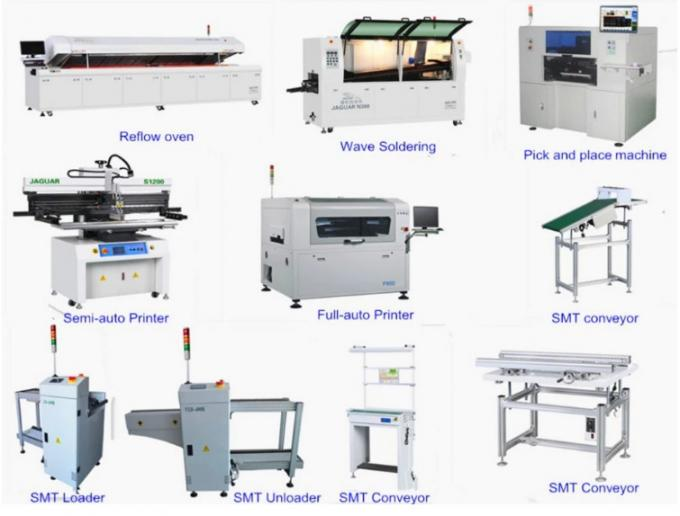
- SMT equipment and accessories,nozzles, feeder, feeder parts, cutter, filter, guide, tape, mortor, belt, cylinder, smt grease/lubricant, THK grease gun ,bearing,SMD parts counter,sensor etc.
- Nozzles & feeders&their parts for fuji, for Juki, for Yamaha, for Samsung, for Siemens, for ,for Sony....etc,all of them have large stock.
- We sell and recycle used SMT machine